Using ngrok to Test Local APIs on Physical Devices
Learning how to use ngrok to expose local backend APIs and test Flutter mobile apps on physical devices seamlessly without relying on localhost.
 Trey Hope
16 August 2026
1 min read
Trey Hope
16 August 2026
1 min read
Local Development on Physical Devices
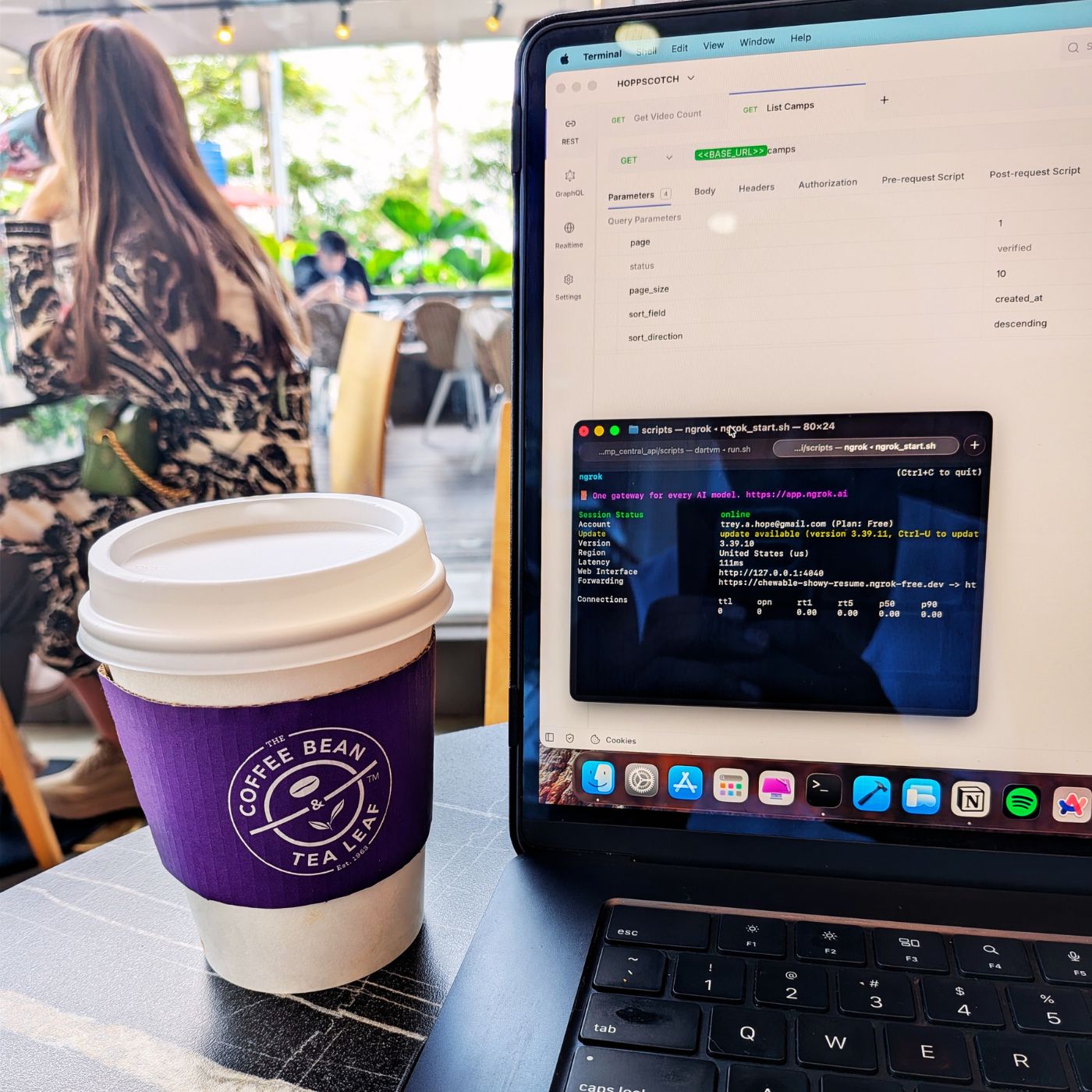
Lately, I’ve been doing a lot of work with the Camp Central API. Most of my testing was on simulators on my Mac, which was never an issue because I could run the API locally and point to localhost. However, this became a problem when testing on my physical device. On my Pixel 10, for example, “localhost” refers to the phone itself—not my Mac. I needed a way to test my local API in that scenario. A quick Gemini search led me to ngrok.
How Does ngrok Make Life Easier?
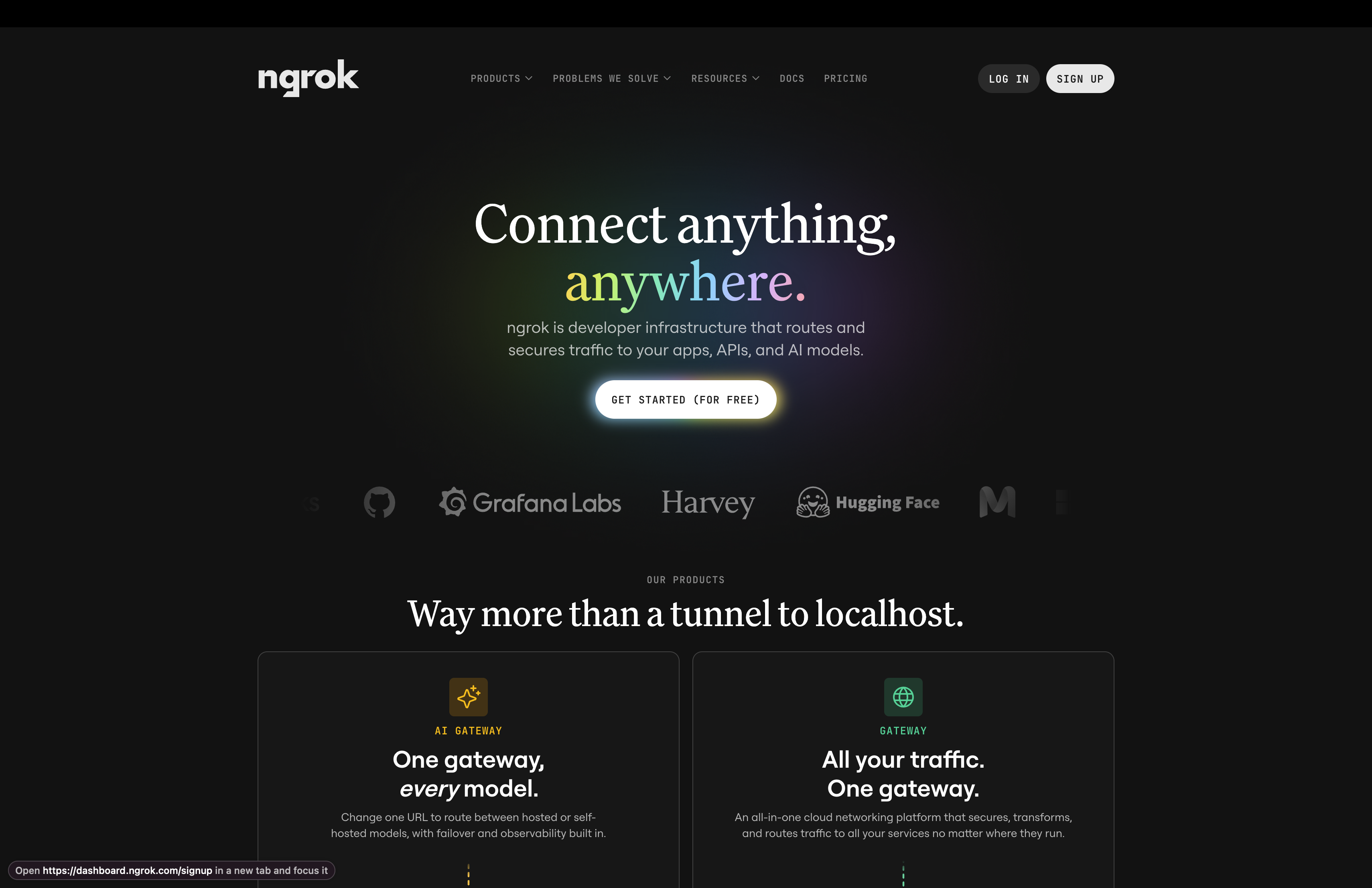
The beauty of using ngrok (I’m sure it can do much more—this is just what caught my attention) is that it lets you expose your local API on a public URL. Originally, I’d run the API and access it like this.
http://localhost:8080/camps
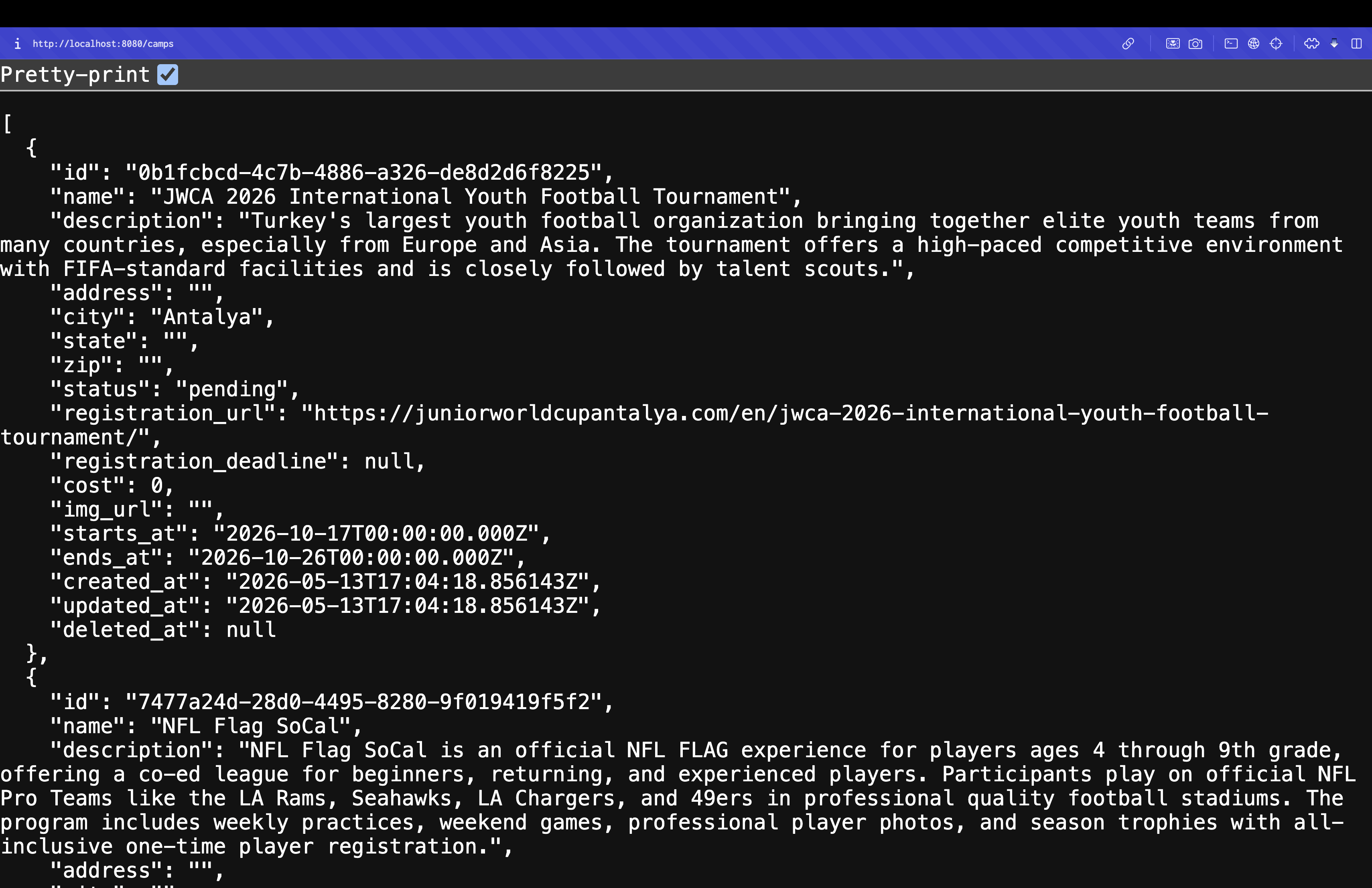
Once the local API is running, run the following command in the CLI (making sure to specify the port number).
ngrok http 8080
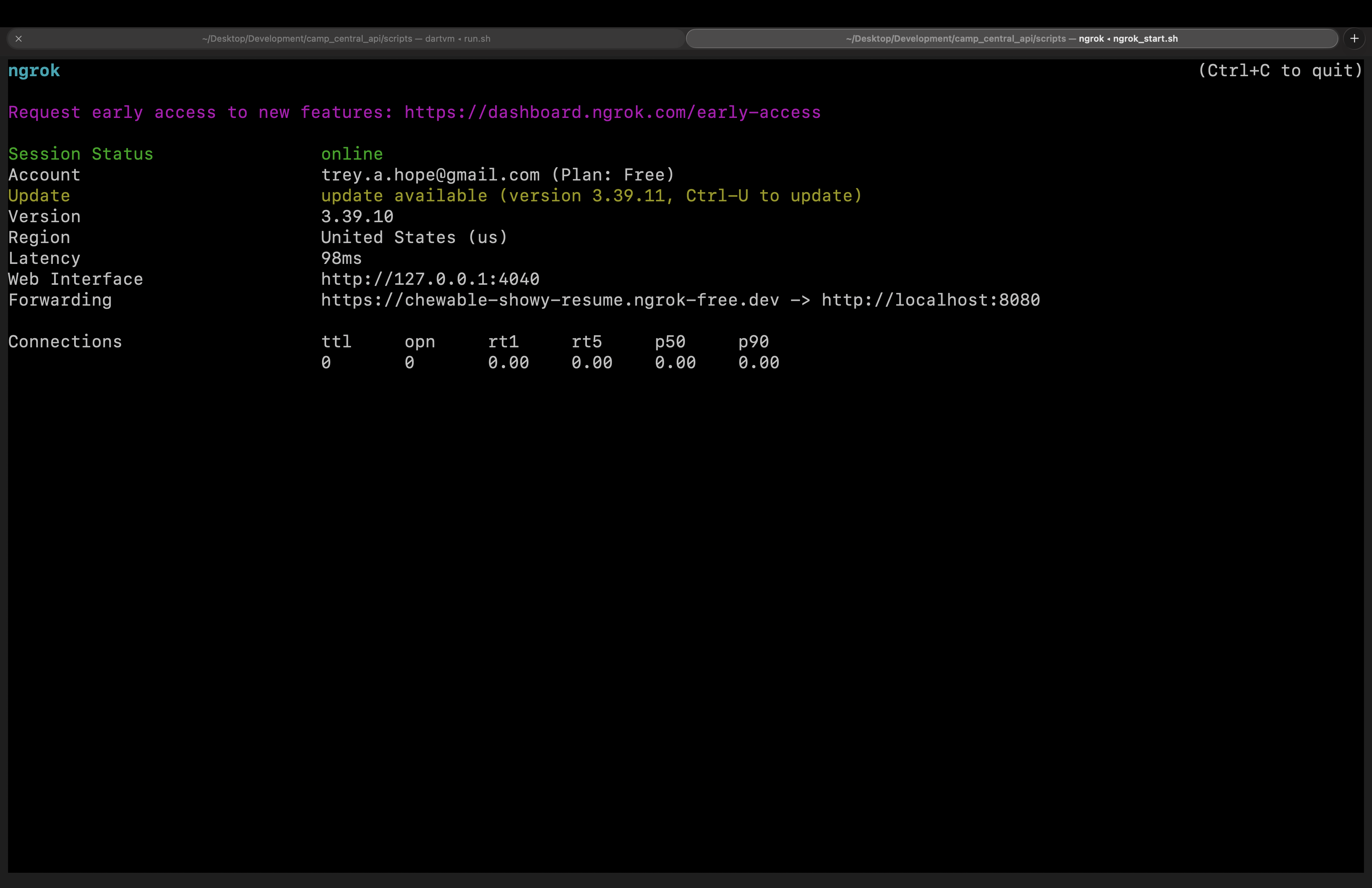
As you can see, localhost now points to this forwarding web URL, exposing the local API for anyone to test.
https://chewable-showy-resume.ngrok-free.dev/
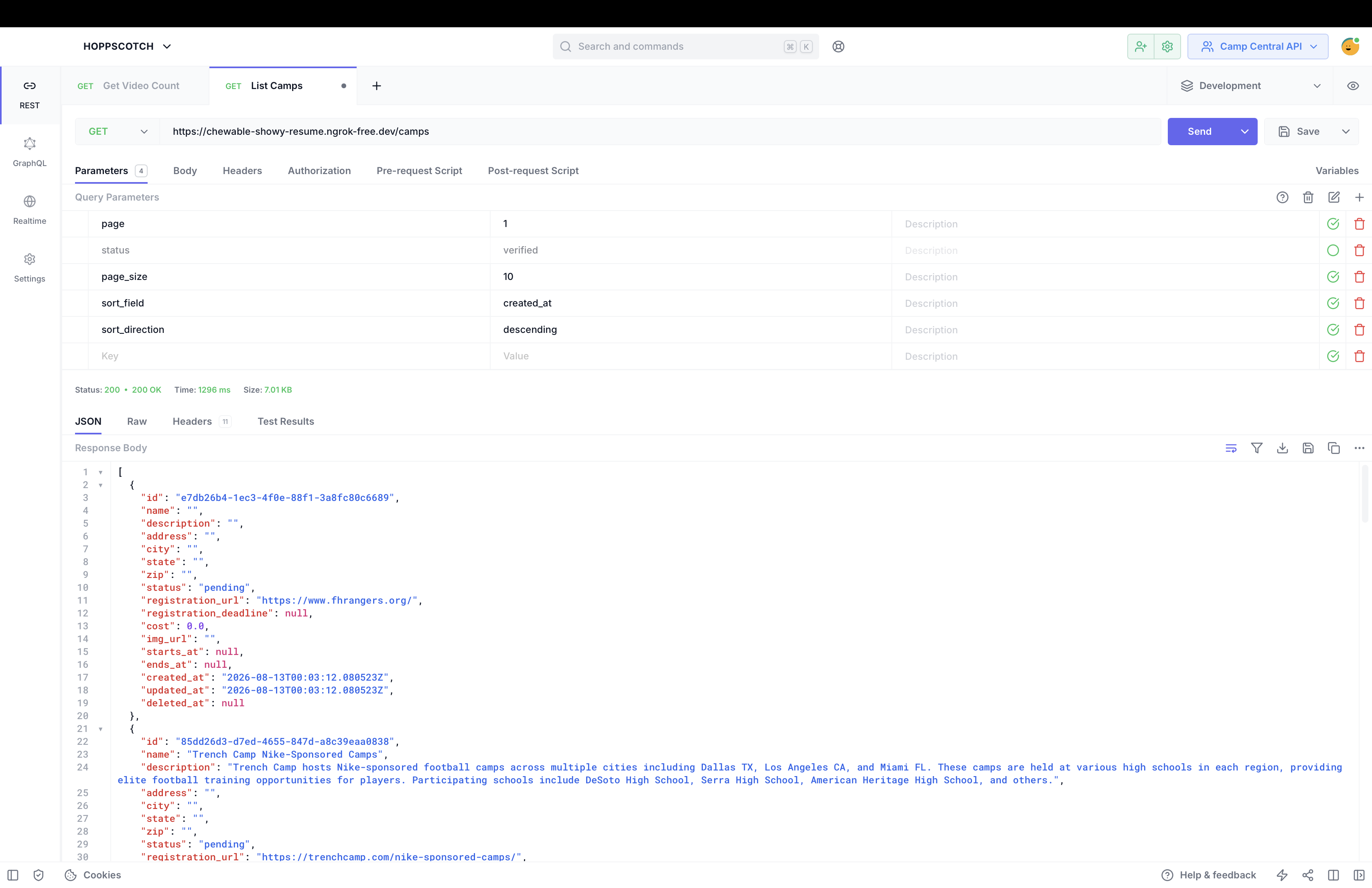
To make the process even smoother, I wrote scripts to handle:
- Starting the server (I’m building the API using Shelf).
- Running ngrok for forwarding.
Then, I created a desktop script that runs both of these scripts.
From my desktop, I run start_local_camp_central_server.sh to get the API up and running quickly.
Final Thoughts
Now that I’ve cleared another development hurdle, I plan to use this extensively for future development across all of my Flutter apps. It should also keep things cleaner, since I can use a test database instead of production—because right now I’m using a production DB for local testing (maybe not the best approach, but I’m learning what works and what doesn’t). I also had to give them a shoutout on X for making such a great product.
https://x.com/trey_codes/status/2087753711242055912?s=20
I also plan to explore their other services, including:
1. Secure Ingress & Tunnels
2. API Gateway & Traffic Policy
3. Identity & Access Management (IAM)
4. Traffic Observability & Debugging
5. Global Edge Network & Load Balancing
Thanks for reading
I hope you found this article helpful—if so, please share it!
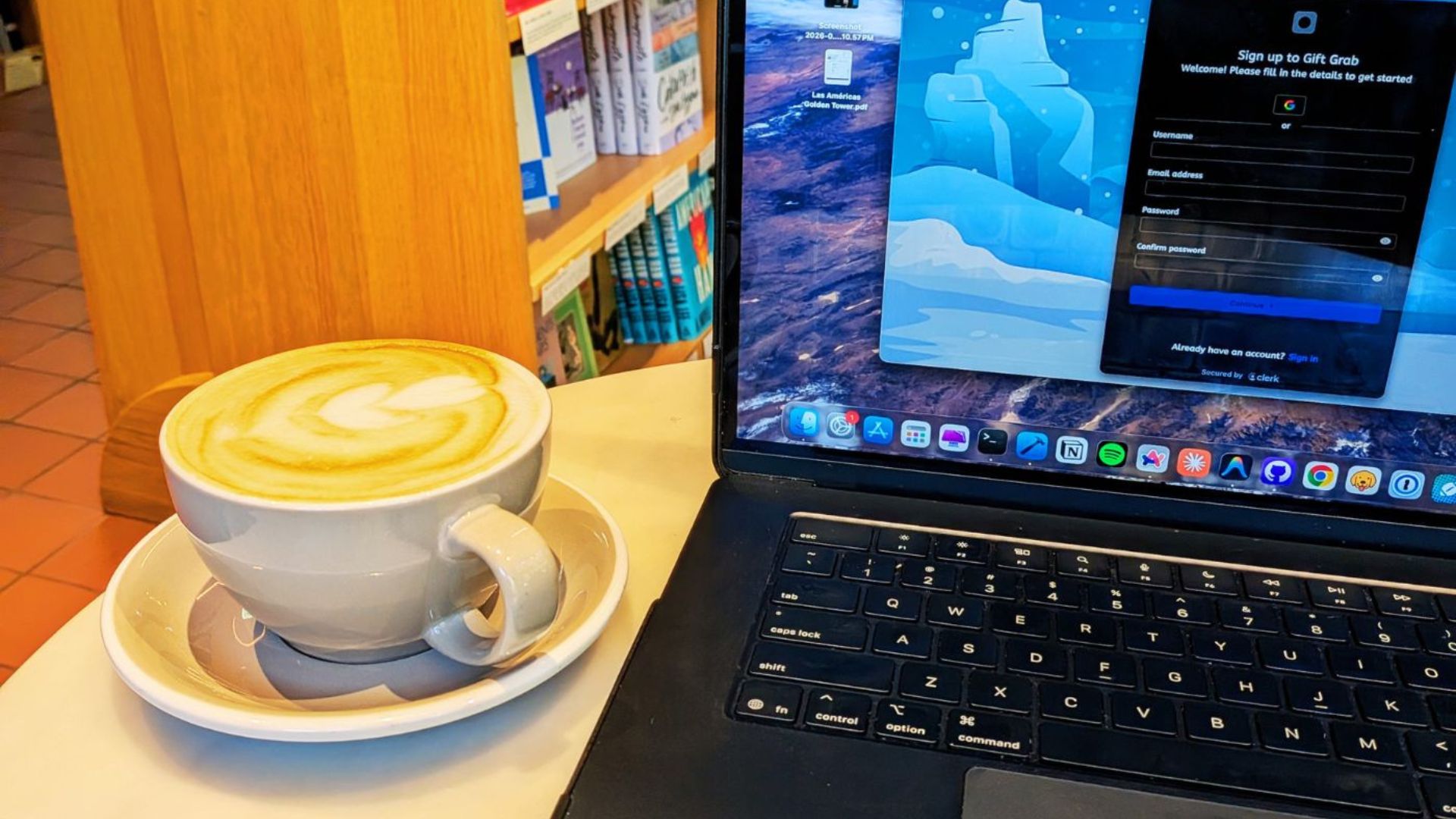
Coffee Break: Té Latte
There was a convenient coffee shop about 4 minutes around the corner from my hotel in Panama City. It was a decent Latte, but not really the strongest flavor I've had in a Latte. I probably should have asked for more pumps, but regardless, it was a good experience.
7/10