A better alternative to building apis
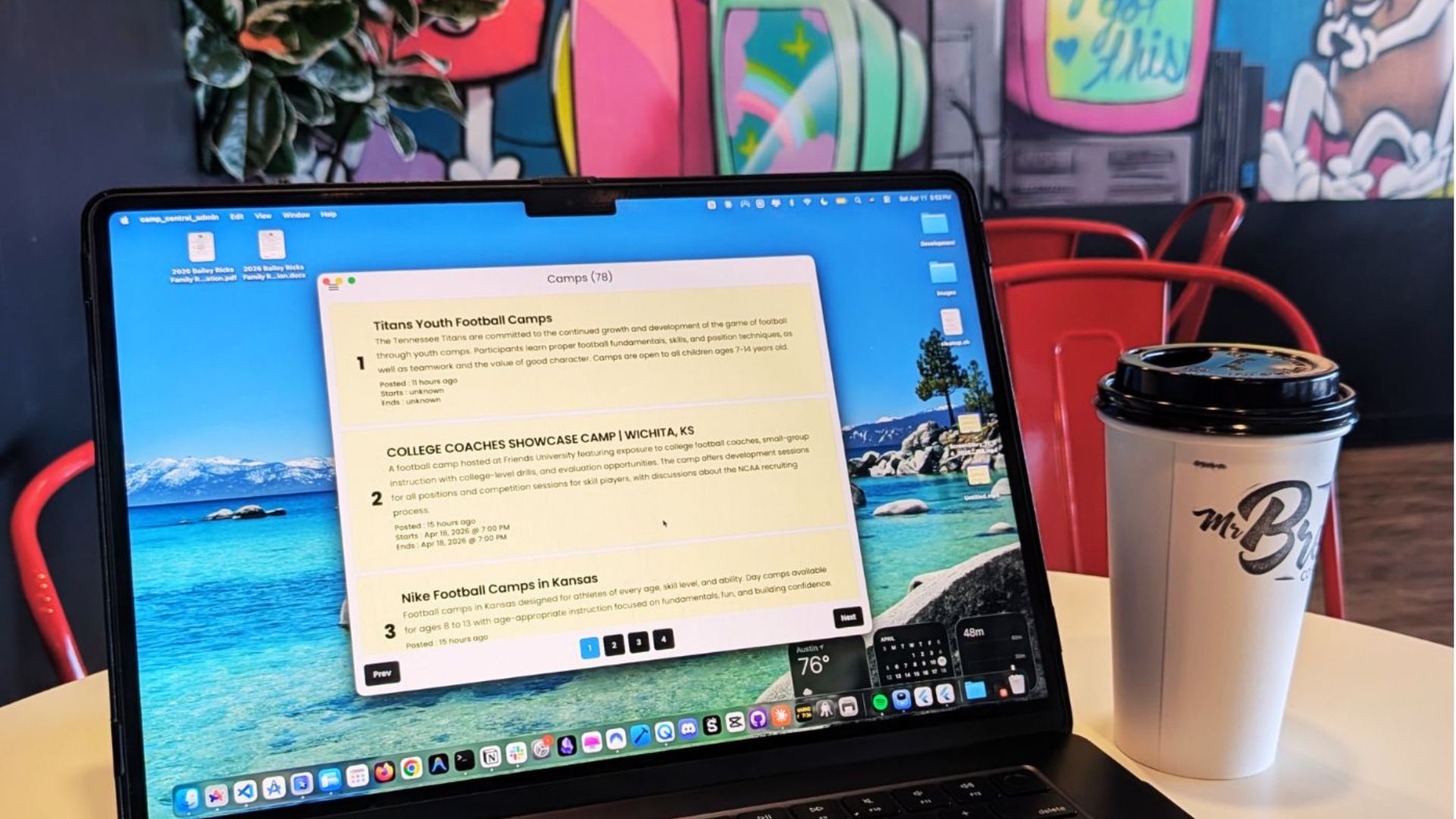
For most of the Flutter apps I’ve built, I’ve relied on tools like Firebase and Supabase. They make development easier because the API is handled under the hood. However, this approach offers less flexibility, and I’ve been limited in the kinds of queries I can run. Lately, I’ve been taking matters into my own hands and focusing on building my own API for the Camp Central app. Shelf for Dart makes the process doable.
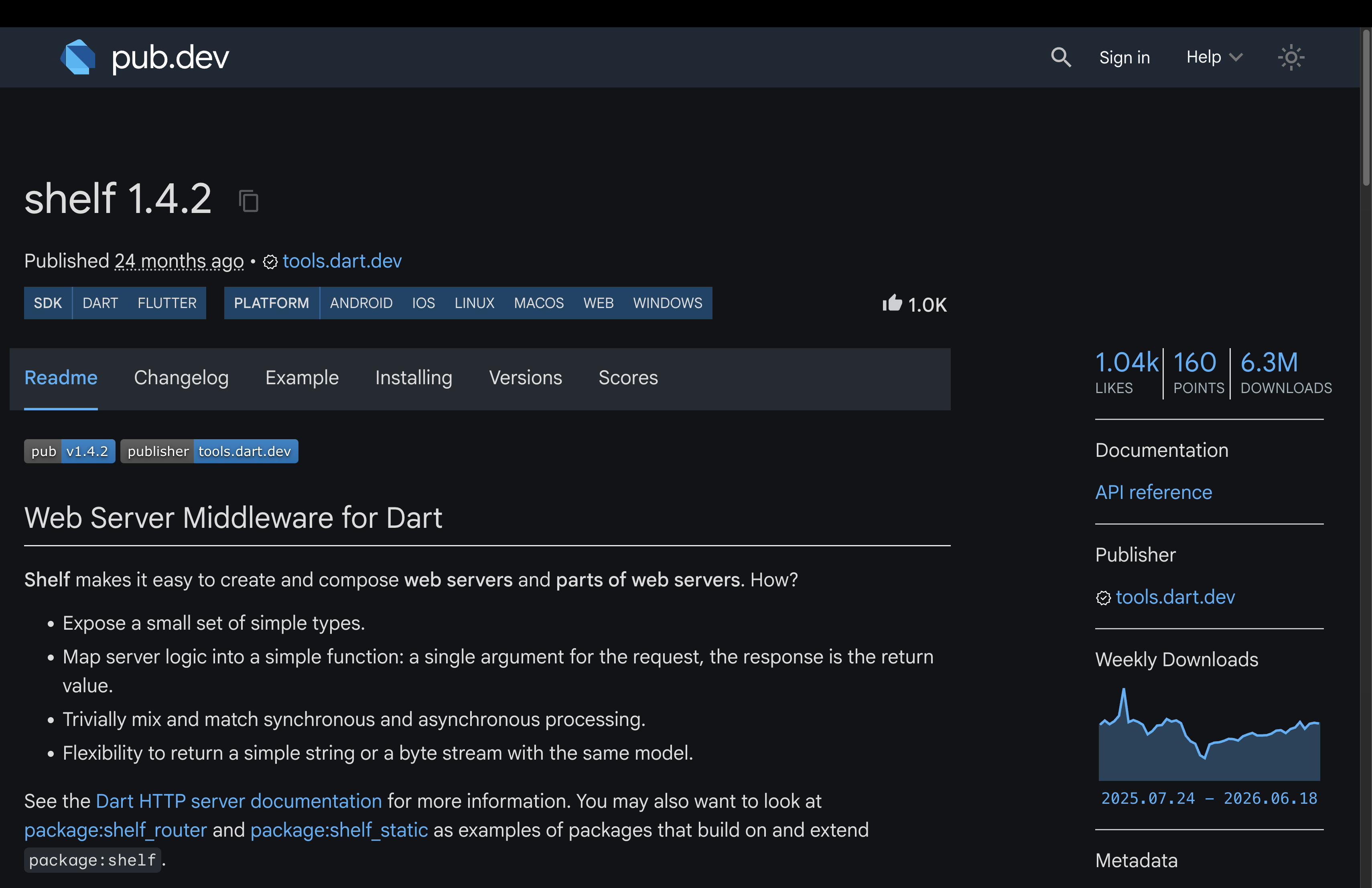
Shelf, the web server builder
With Shelf, I can create my own web server using only Dart. The best part is that it keeps the API within the Dart ecosystem, so the project doesn’t have to stray far from Dart. So far, my project structure is made up of either pure Dart or Flutter-based projects.
- Camp Central App - Flutter (customer-facing interface for iOS and Android)
- Camp Central Admin - Flutter (admin interface for modifying the database)
- Camp Central API - Dart (web server that exposes endpoints for interacting with the database)
- Camp Central DB - Dart (a Postgres database hosted on Supabase)
- Camp Central Shared - Dart (shared components such as entities, extensions, and services)
Setting up the web server is pretty straightforward. I use a handler that “handles”
the request: it takes a required Request object and returns a Future<Response>. Here’s the current handler for fetching camps.
/// Handles GET /camps requests with optional filtering, sorting, and pagination.
/// Query params: page, page_size, status, state, min_price, max_price, sort_field, sort_direction
Future<Response> _getCampsHandler(Request request) async {
  final params = request.url.queryParameters;

  // First ?? handles missing param; second ?? catches non-numeric strings from tryParse
  final page = int.tryParse(params['page'] ?? '1') ?? 1;
  final pageSize = int.tryParse(params['page_size'] ?? '10') ?? 10;

  final filter = CampFilter(
    // Match by custom string value (.value), not the enum constant name
    // e.g. params['status'] == 'active' maps to CampStatus.active, not 'CampStatus.active'
    status: params['status'] == null
        ? null
        // Throws StateError if the value doesn't match any CampStatus — consider firstWhereOrNull for safety
        : CampStatus.values.firstWhere((s) => s.value == params['status']),
    state: params['state'],
    // Empty string is passed on missing param so tryParse returns null rather than parsing ''.
    minPrice: double.tryParse(params['min_price'] ?? ''),
    maxPrice: double.tryParse(params['max_price'] ?? ''),
    sortField: params['sort_field'],
    // Defaults to ascending; only true when 'descending' is explicitly passed
    descending: params['sort_direction'] == 'descending',
  );

  final camps = await campDataSource.paginate(
    page: page,
    pageSize: pageSize,
    filter: filter,
  );

  return Response.ok(
    // Camp.entity.toRow converts a typed Camp to a JSON-serializable Map<String, dynamic>
    jsonEncode(camps.map((c) => Camp.entity.toRow(c)).toList()),
    headers: {'content-type': 'application/json'},
  );
}
Next, I plug this handler into a Router. The router is also a handler, but it dispatches requests to different functions based on the HTTP method and path. I also specify the route path so users hit
/camps when fetching camps.
Handler createHandler() {
  final publicRouter = Router();
  publicRouter.get('/camps', _getCampsHandler);
  ...
}
Now that the route is ready, I need to add it to a Pipeline. A Pipeline is a chain of middleware
that wraps a final handler. For example, I can add middleware for CORS, error handling, request logging, or JWT verification. Then I’ll apply
publicRouter to the public Pipeline.
Handler createHandler() {
  ...
  final publicPipeline = const Pipeline().addHandler(publicRouter.call);
  ...
}
Then I create a mainPipeline and mount the publicPipeline onto it.
Handler createHandler() {
  ...

  final mainPipeline = const Pipeline()
      .addHandler(mainRouter.call);

  mainRouter.mount('/', publicPipeline);

  return mainPipeline;
}
Testing the API
To test the API, I navigate to the server.dart file that starts the server. Here, I initialize the database, read the port from an environment variable, and add a print statement to confirm the server is up and running.
void main() async {
  await DatabaseConfig.ds.init();

  final port = int.parse(Platform.environment['PORT'] ?? '8080');

  final server = await io.serve(createHandler(), '0.0.0.0', port);

  print('Server running on port ${server.port}');
}
Run the following command to start the server;
dart run bin/server.dart
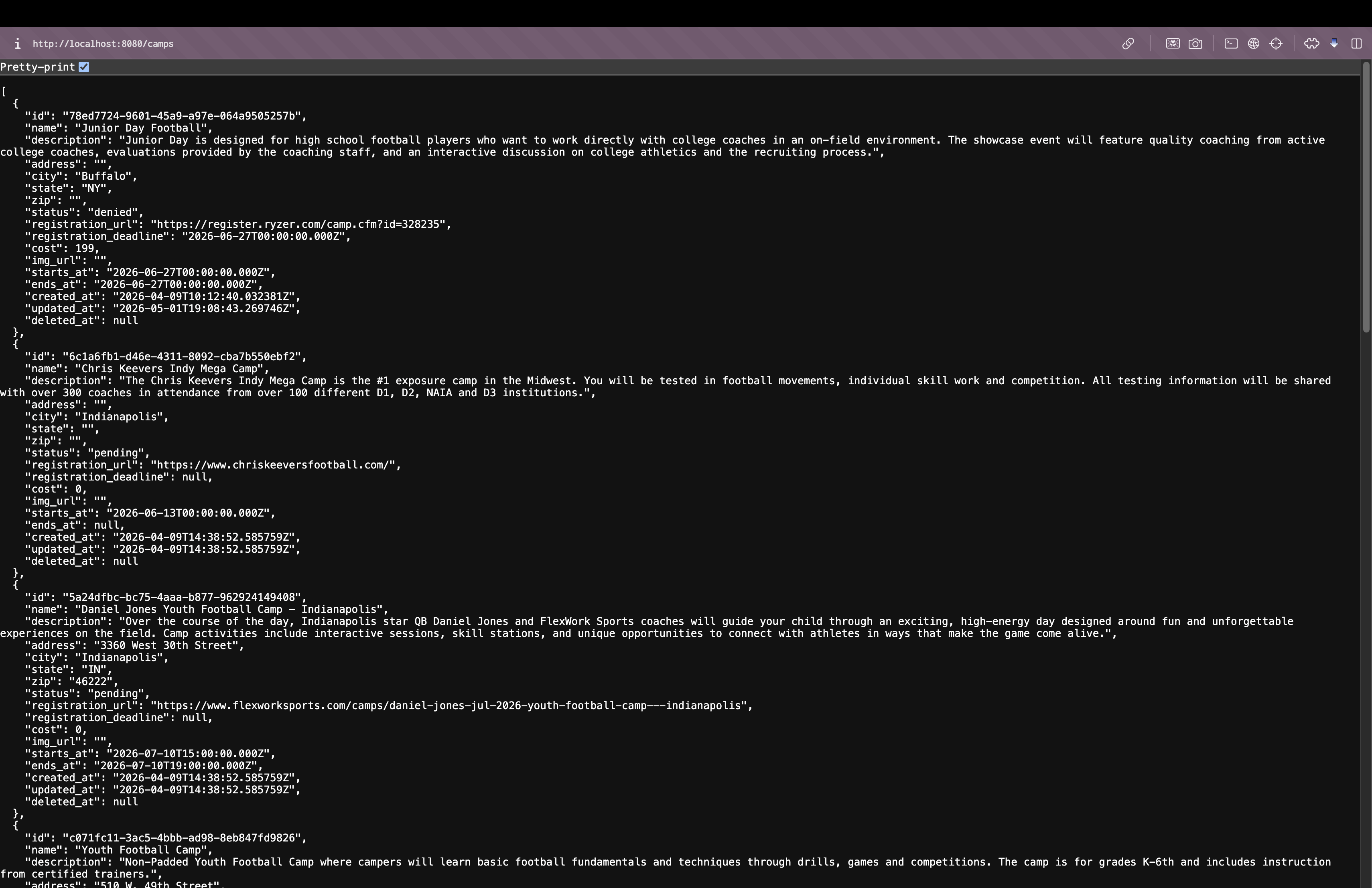
Now it’s running locally at localhost:8080. By hitting the /camps
route, I get a list of camps in JSON format—exactly as I imagined.
Future work with Shelf
Since this is my first time using Shelf (or any Dart-based web server), there’s still a lot to learn. I haven’t tried Dart Frog yet, but I’ve heard it’s a solid tool as well. The flexibility of building my own API is what motivates me to stick with this approach. And as I mentioned earlier, because the entire suite of projects sits under the Dart umbrella, the software is easier to maintain and makes collaboration more seamless. I plan to keep rocking with Shelf for now—stay tuned for more updates.
Thanks for reading
I hope you found this article helpful—if so, please share it!
Coffee Break: Flat White
It's been a while since I posted, but since I'm in Ohio for the week, I made my way to Wholly Grounds Coffee. I ordered a flat white, which was nice and smooth. If you're ever in the Dayton area, you should definitely check it out.
8/10