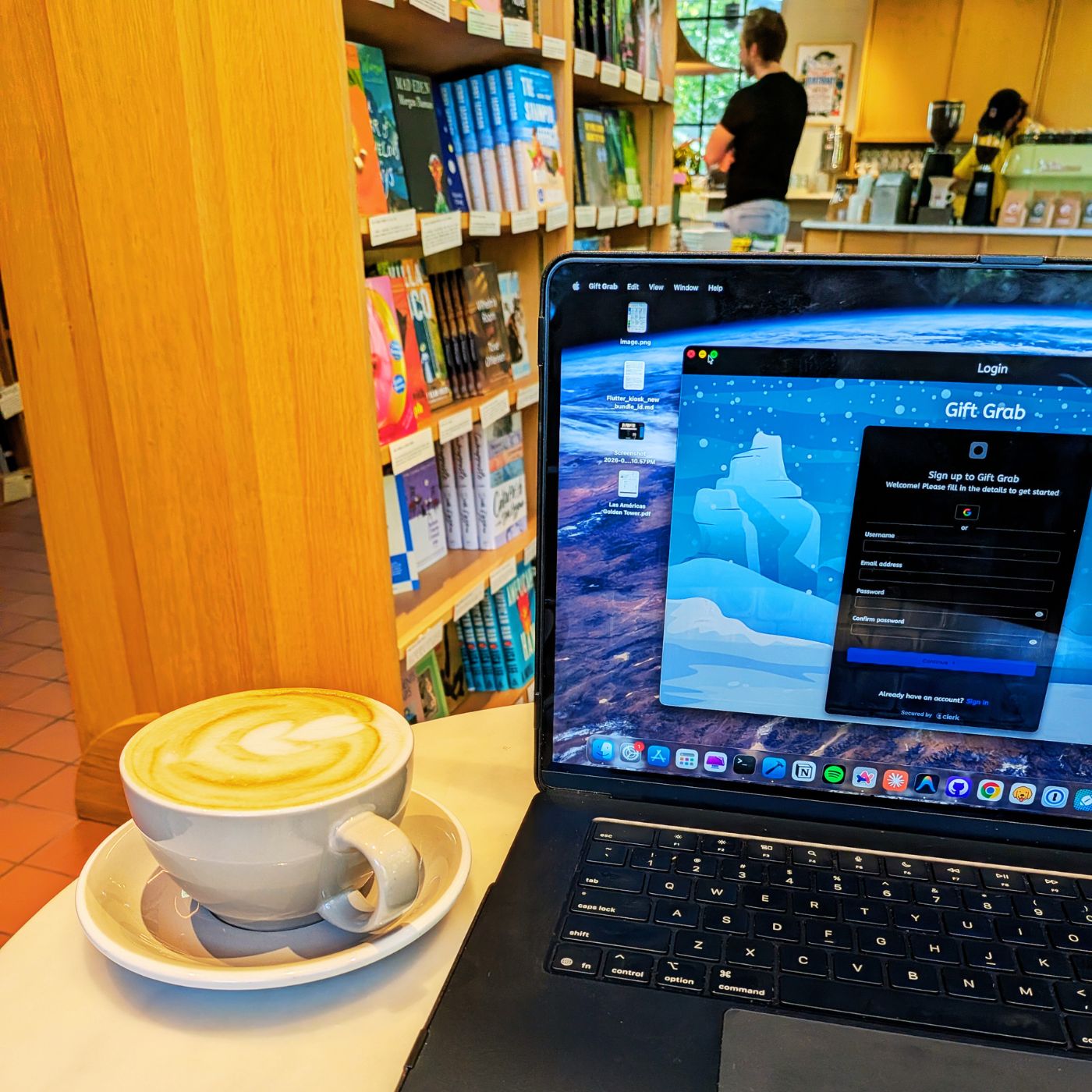
Providing a more robust method of authentication.
The Gift Grab app was originally authenticated using Nakama’s built-in services. It supported authentication via device ID, email, or social providers. This approach worked, but it felt limited and required extra backend work.
I then switched to using Fluo in conjunction with Nakama—essentially getting a JWT from Fluo that Nakama used to authenticate with a custom ID. This was a much better approach, but Fluo was still somewhat limited in its capabilities. Recently, I decided to use Clerk: a complete user management and authentication service designed for web and mobile apps.
Clerk and Nakama: a match made in authentication heaven.
The benefit of using Clerk compared to other services is how robust the system is. Users can authenticate in many different ways, all managed from a single source. I can also set up production and development environments to better test authentication flows.
I was doing a similar workflow with Fluo, but I decided to dive deeper into the Nakama docs to see if there was a more structured approach for authenticating with third-party services, which there is (read more here). This new approach adds a backend step to verify the incoming JWT from Clerk before creating the user in the Nakama database.
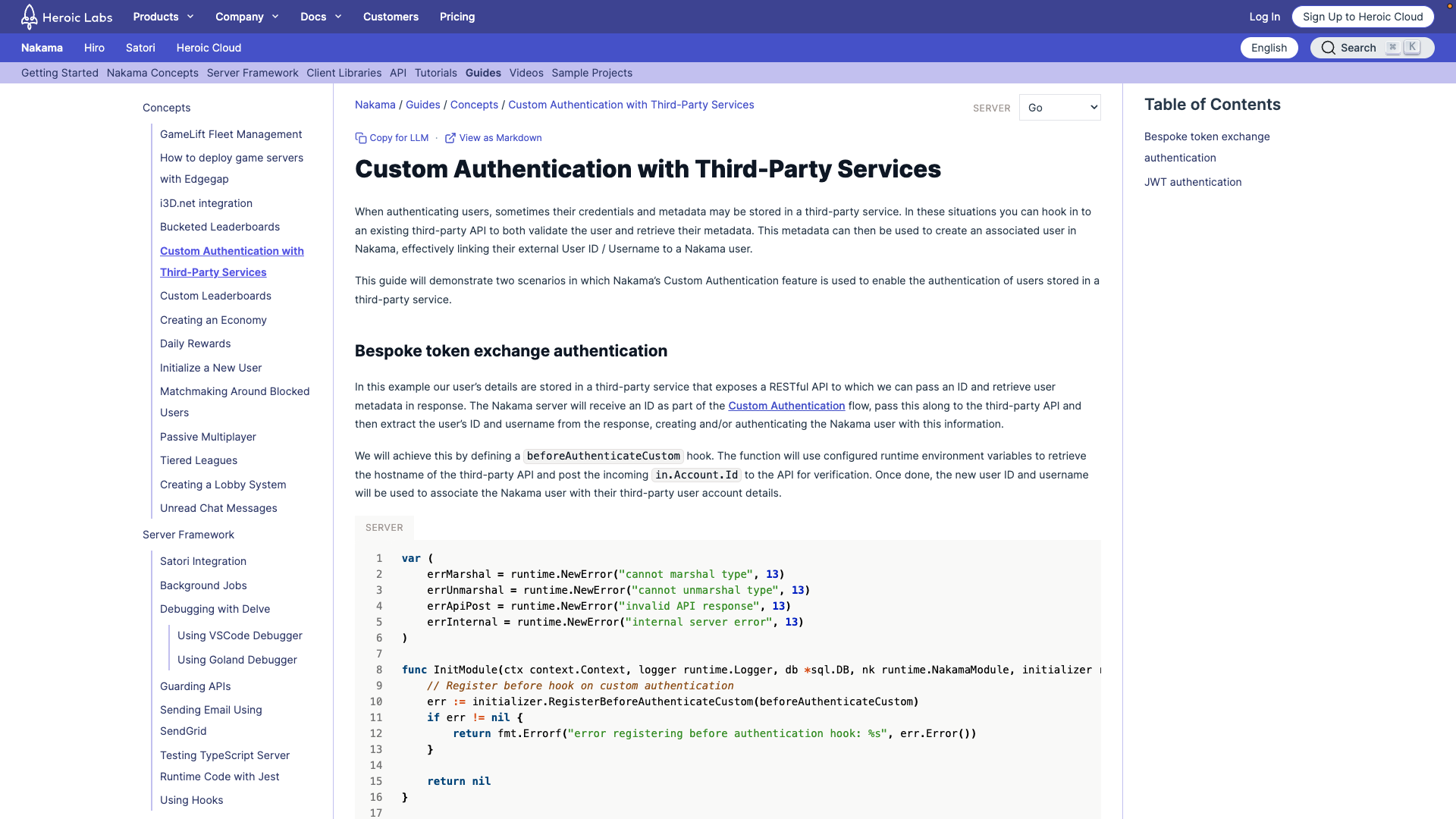
How the new process will work
Here’s a detailed breakdown of how it works.
-
The user is presented with Clerk’s sign-in/sign-up form (
ClerkAuthentication) when the app starts. The user creates a profile by signing up (email only for now, with more options coming soon).
// login_page.dart

ClerkAuthBuilder(
	signedOutBuilder: (context, authState) =>
		const ClerkAuthentication(),
  signedInBuilder: (context, authState) =>
	  const CircularProgressIndicator(),
)
- The ClerkAuth session now provides an ID, which triggers a Signal update and runs an effect.
// auth_controller.dart

/// Signal to track changes to the Clerk session ID.
late final Signal<String?> _clerkSessionId;

/// Cleanup function for the reactive effect tracking authentication.
late final EffectCleanup _onClerkSessionIdChangedEffect;

/// Callback to listen for Clerk auth changes and update [_clerkSessionId].
late final Function() _clerkListener;

_clerkSessionId = signal(
	_clerkAuth.session?.id,
  options: const SignalOptions(name: 'AuthController.clerkSessionId'),
);

_clerkListener = () => _clerkSessionId.value = _clerkAuth.session?.id;

_clerkAuth.addListener(_clerkListener);

// Watch the clerk session id and process nakama authentication
// accordingly.
_onClerkSessionIdChangedEffect = effect(
	() {
		final sessionId = _clerkSessionId.value;

		if (sessionId != null) {
			// Unawaited fires the async _processAuthentication() in the background
      // without blocking the synchronous effect callback or triggering
      unawaited(_processAuthentication());
    } else {
	    isAuthenticated.value = const AsyncData(false);
    }
  },
  options: const EffectOptions(
		name: 'AuthController.onClerkSessionIdChangedEffect',
	),
);
-
The
_processAuthenticationmethod now runs. It fetches the JWT fromClerkAuthand determines whether this is a sign-up or sign-in based on the user’screatedAtandlastSignedInvalues. If it’s a sign-up, it authenticates with Nakama by creating a new user; if it’s a sign-in, it authenticates with Nakama normally.
// auth_controller.dart

  /// Processes authentication against Nakama using the user's Clerk session JWT token.
  /// Determines if a signup or login flow should be used based on account creation time.
  Future<void> _processAuthentication() async {
    try {
      isAuthenticated.value = const AsyncLoading();

      final token = await _clerkAuth.sessionToken();
      final user = _clerkAuth.user;

      if (user == null) {
        isAuthenticated.value = const AsyncData(false);
        return;
      }

      final isSignUp =
          user.lastSignInAt.difference(user.createdAt).abs().inSeconds < 2;

      logger.d(
        isSignUp
            ? 'New clerk user sign up - ID: ${user.id}, Username: ${user.username}'
            : 'Existing clerk user sign in - ID: ${user.id}, Username: ${user.username}',
      );

      print('getting value!');

      final session = await _client.authenticateCustom(
        id: token.jwt,
        username: user.username,
        create: isSignUp,
      );

      print('Saving session...');

      await _sessionService.saveSession(session);
      isAuthenticated.value = const AsyncData(true);
    } catch (e) {
      logger.e('Error in authentication: $e');
      isAuthenticated.value = AsyncError(e, StackTrace.current);
    }
  }
Once the isAuthenticated signal becomes true, the user proceeds into the app as normal.
Note: The clerk_flutter package currently does not support web, so you will have to use their Javascript SDK to complete a Flutter web app. There’s a Github issue already reported here.
Testing it all out.
Here’s a demonstration of the authentication flow. As you can see, a user has been created in the Production instance of my Clerk dashboard, and the same user appears in the Nakama accounts section.
Next steps with Clerk & Nakama.
Now that authentication is easier, the next phase is to expand the sign-up and sign-in options in the app. Ideally, I’d like to support:
- Phone
- Email links
- Apple
Once those are covered, I think the authentication flow will be in great shape for new users.
Thanks for reading
I hope you found this article helpful—if so, please share it!
Coffee Break: Caramel Latte
It was my first time visiting, and the caramel latte was excellent. The caramel taste was noticeably stronger than usual, which was a huge plus. It’s a bit pricey, but well worth it—I would’ve grabbed a 16oz if I had room. The shop itself is really unique, doubling as a clean, cozy mini-library.
10/10