Desktop Apps > Web Apps
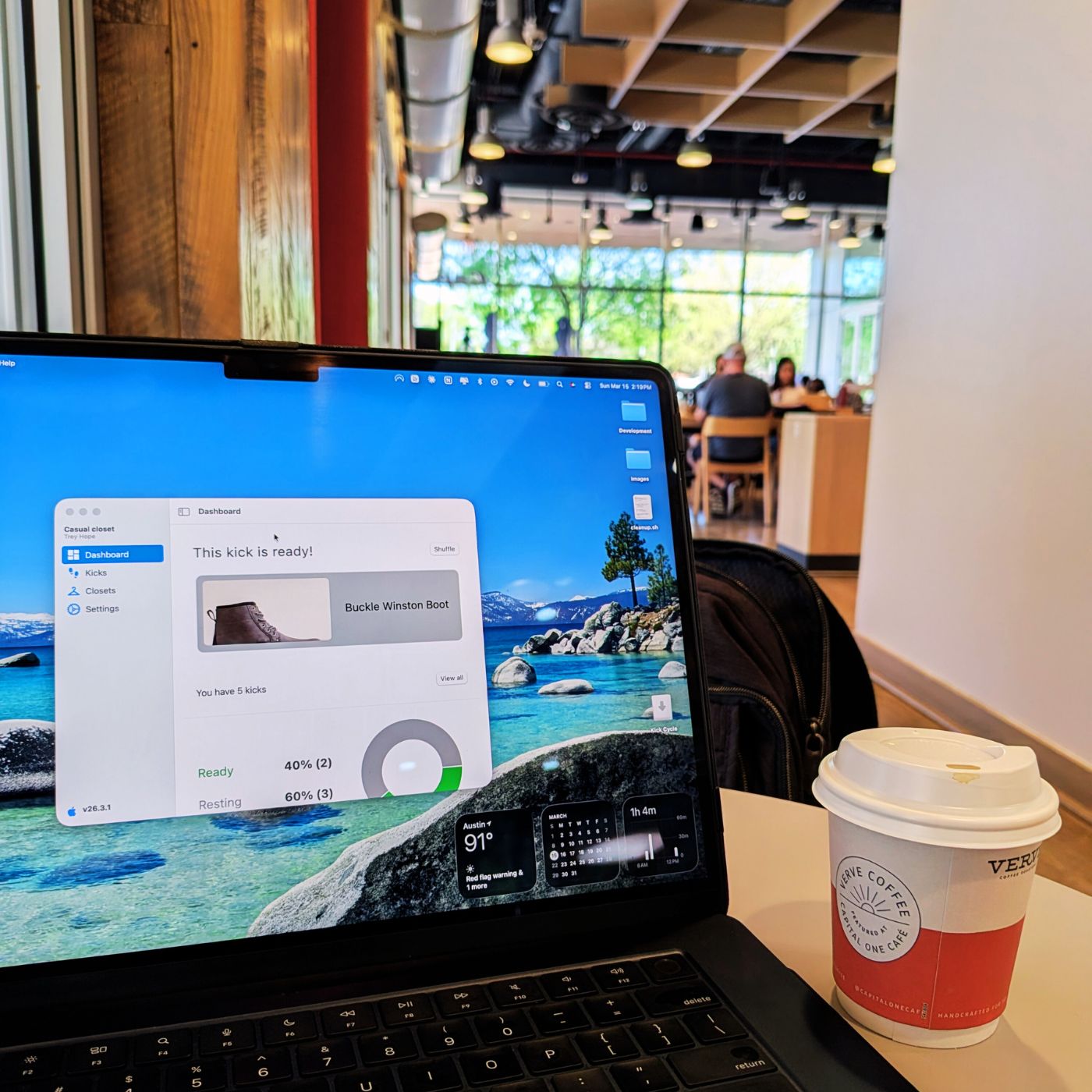
A bold statement, but one that might hold some truth. I recently saw someone on X make this claim, and after thinking it over, I had to agree. Most of the applications I use daily—VSCode, Claude Desktop, and Notion—all have their own desktop apps. I find myself using the web only when an app doesn't offer a desktop version (like many G-Suite applications) or when I'm searching Google for information.
Torn in between the two…not really
Desktop apps have the advantage of focusing on a single purpose. When I'm using Notion, I'm using only Notion. On the flip side, if I open Notion in a web browser, several other tabs may fight for my attention. Even worse, I sometimes have to close the entire browser because one unresponsive page slows everything down.
Desktop apps also deliver better performance. They have direct access to your machine's CPU, GPU, and memory—no need to wait on network requests to render UI or process data. Everything happens faster.
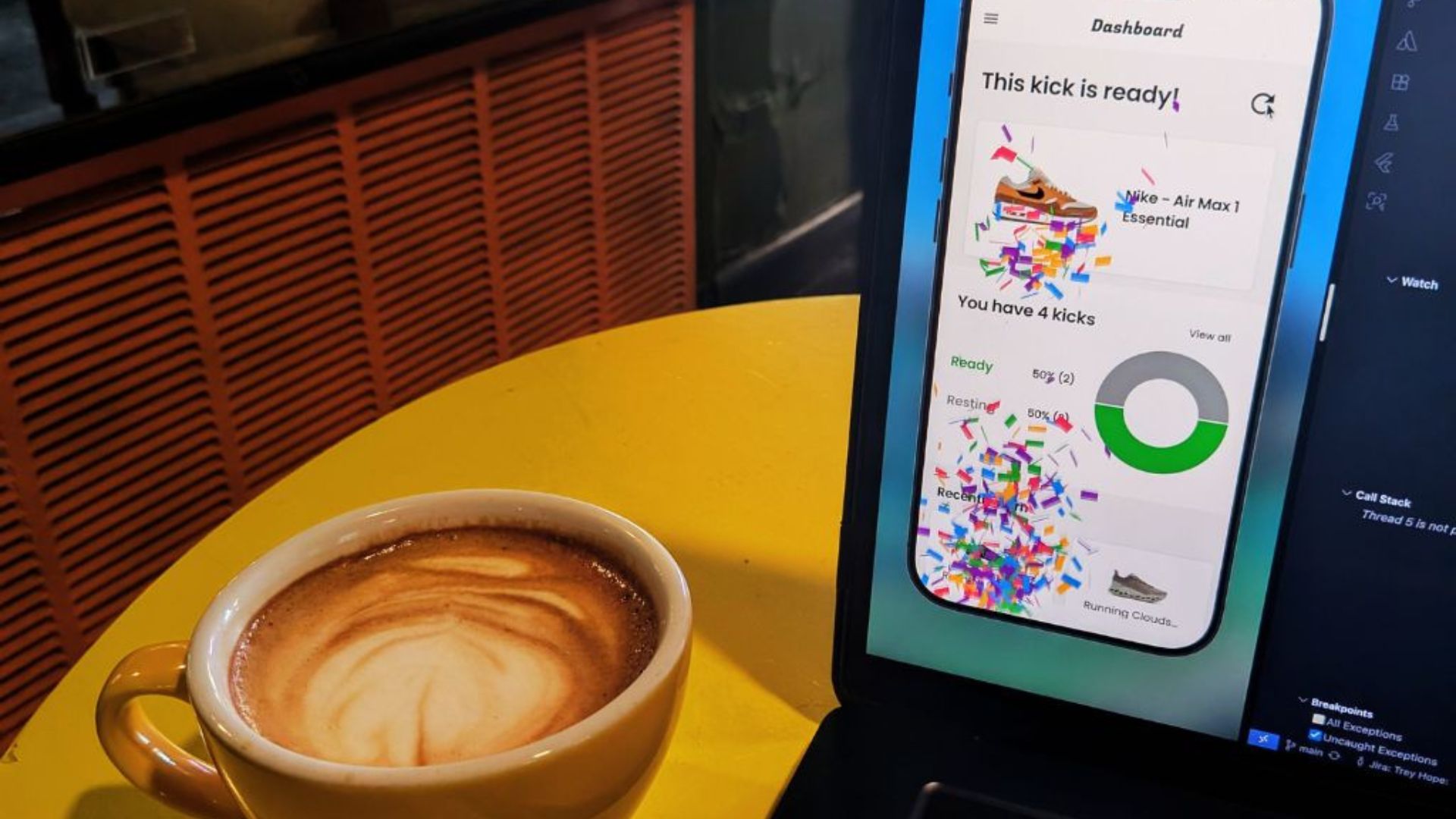
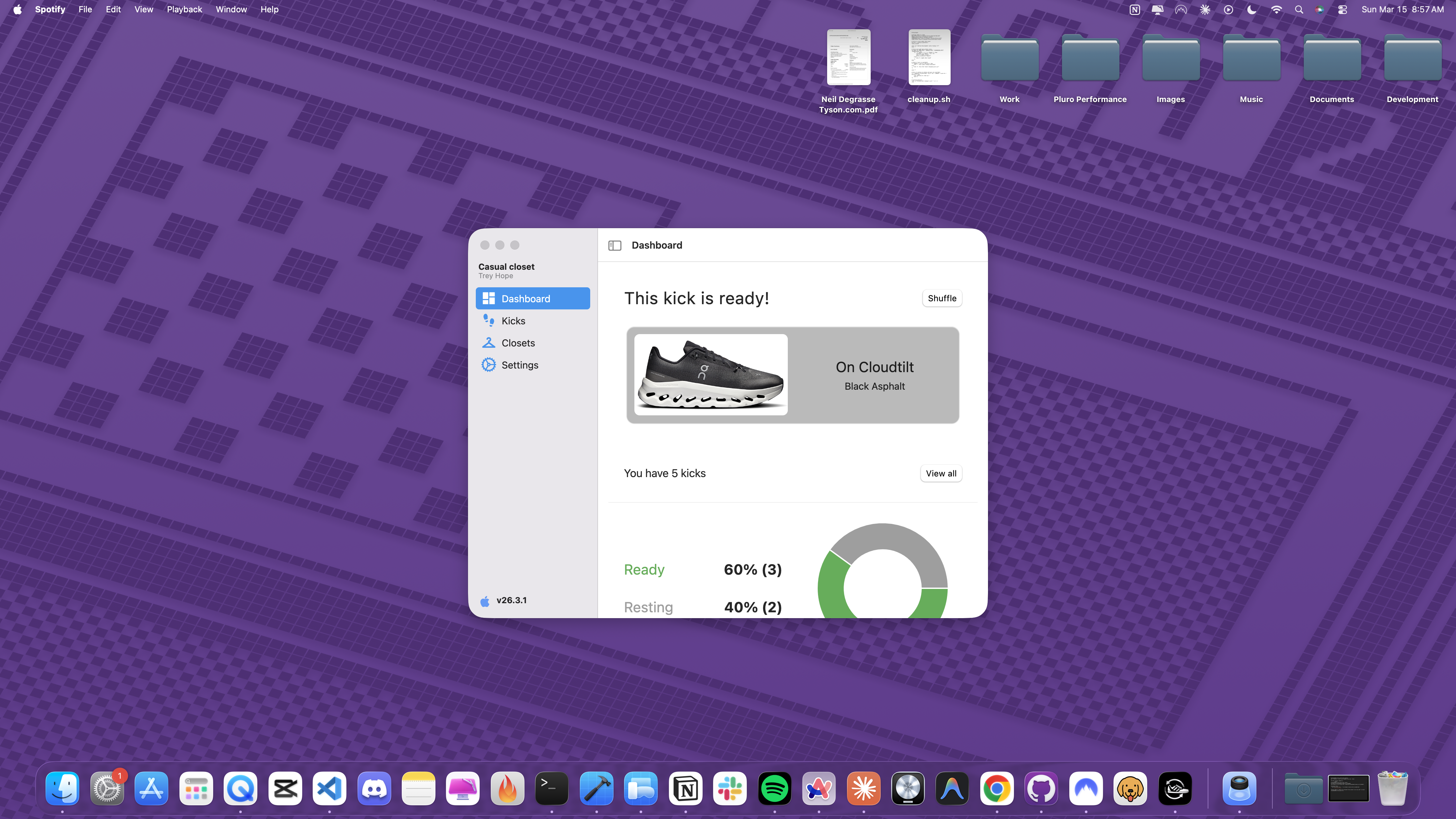
The Flutter ecosystem supports virtually every platform at this point, but I never fully grasped desktop app development within this space. So I decided to turn one of my existing mobile apps, Kick Cycle (available for Android and iOS) into a standalone macOS app.
macOS Styling with macos_ui
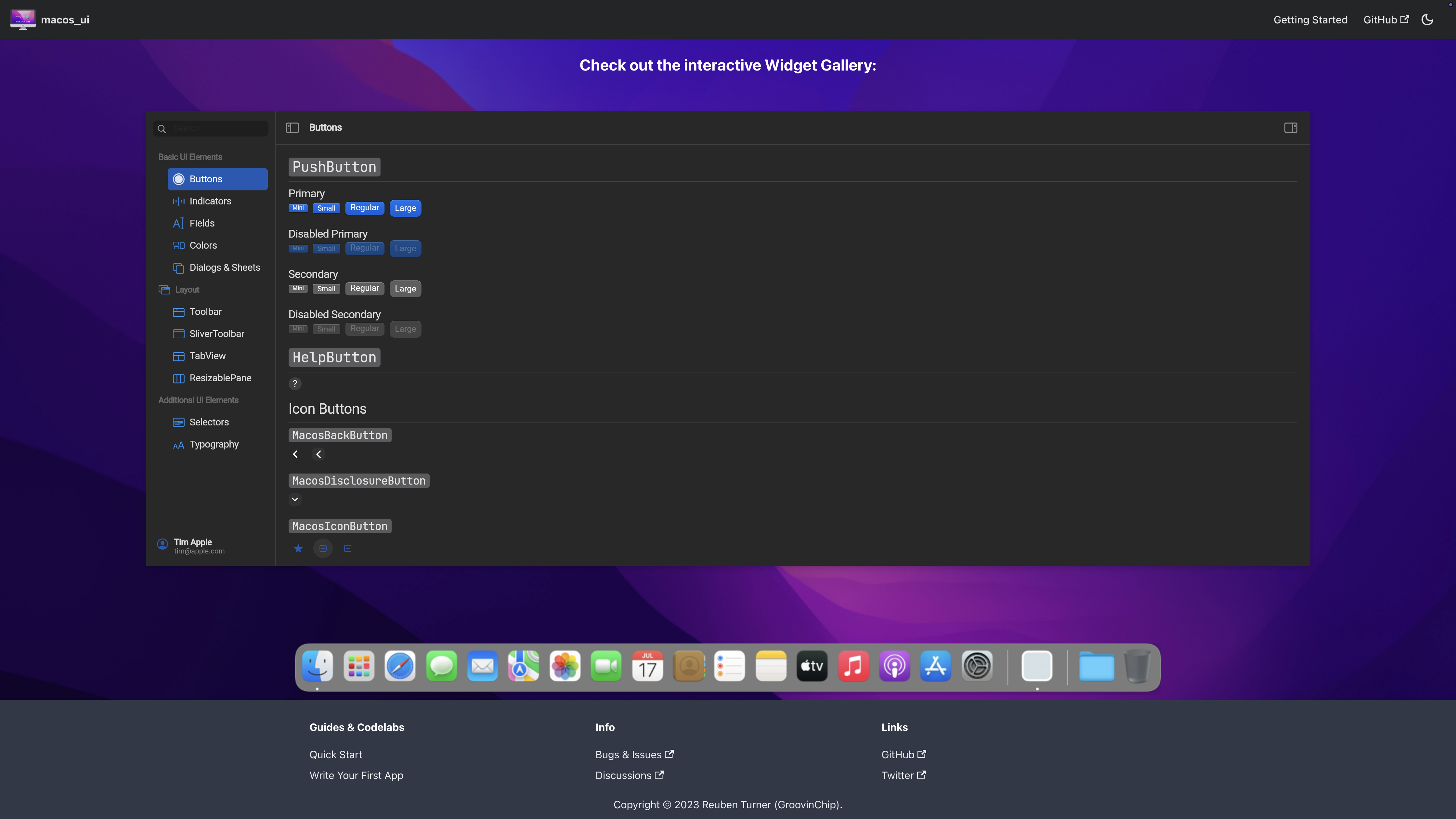
When starting this project, I wanted the macOS app to look and feel native. A quick Google search led me to macos_ui, a Flutter UI kit that provides widgets and themes implementing the current macOS design language, (major shout out to GroovinChip for this project).
To maintain a native feel on macOS while keeping the mobile experience intact for iOS and Android, I'm creating separate macOS and mobile widgets for each component. They're quite similar, however the macOS widget reads from the
MacosTheme for styling, while the mobile app still uses the ShadTheme. This approach gives me the flexibility to support both platforms while maintaining the same business logic.
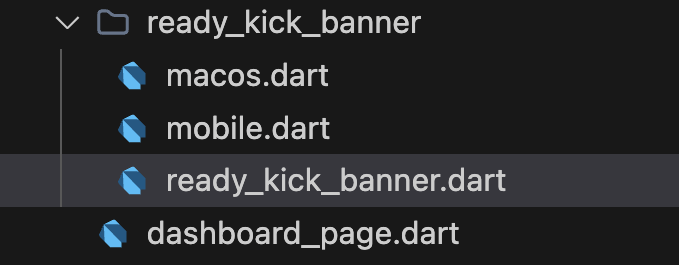
class _ReadyKickBannerState extends State<ReadyKickBanner> {
  @override
  Widget build(BuildContext context) => Platform.isMacOS
      ? _Macos(widget.isLoading, widget.readyKicks, widget.refreshCount)
      : _Mobile(widget.isLoading, widget.readyKicks, widget.refreshCount);
}
The widgets are easy to pick up. Like a typical Scaffold widget in Flutter, this package provides a
MacosScaffold that works the same way; I'm using it for the app's pages. If the page can return to a previous page (aka
canPop), a back button appears. Otherwise, a toggle button displays the side menu for navigation, on the left side of the view.
MacosScaffold(
    toolBar: ToolBar(
        title: Text(title),
        leading: canPop
            ? const _MacBackButton()
            : const MacosTooltip(
                message: 'Toggle Sidebar',
                useMousePosition: false,
                child: _MacMenuToggleButton(),
            ),
        actions: actions,
    ),
    children: [ContentArea(builder: (context, scrollController) => child)],
)
Distributing the app via DMG
To make the app downloadable outside the App Store, I needed to create a DMG file, or Apple Disk Image. A DMG is a container file format used in macOS to distribute software applications. When opened, it mounts as a virtual disk in Finder, acting like an external drive or CD-ROM.
First, I built the Flutter app for macOS—simple enough. Running the following command generated Kick Cycle.app in my build directory.
flutter build macos --release
Next, I created the DMG file. Fortunately, there's a shell script called create-dmg that handles this (you can install it via homebrew). The following code tells create-dmg where to find the app, what to name it, and other details.
create-dmg \
  --volname "Kick Cycle" \
  --window-size 800 400 \
  --icon-size 100 \
  --app-drop-link 600 185 \
  "Kick Cycle.dmg" \
  "build/macos/Build/Products/Release/Kick Cycle.app"
The Kick Cycle.dmg now appears at the root of the project. Double-clicking it prompts me to go through the installation process for my Flutter app.
Future Plans with macOS
I don't plan on distributing the app via the App Store. Instead, I want to host the DMG file somewhere—perhaps on my personal website—and have users download it directly from there. I believe there are some additional app signing processes that must be handled first, but I'll cross that bridge when I get to it. If the transition is smooth, I definitely plan on converting some of my other applications from iOS, Android, and web to the desktop for Mac or Windows users. Stay tuned for future developments.
Thanks for reading
I hope you found this article helpful—if so, please share it!
Coffee Break: Drip-Coffee
I kept it simple today—just a straight drip coffee. It's a bit tart and watered down, but for a $4 12oz cup to fuel some blog writing, it did its job. Coming from a café/bank hybrid, it was pretty cool.
6/10