Coffee & Code - Navigating App Store Submissions for Flutter
Navigating the challenges of Google Play Store and Apple App Store submissions for Flutter apps, including handling rejections and meeting guidelines.
 Trey Hope
29 December 2023
1 min read

Typically, Google app submissions are straightforward and rarely reject any apps I’ve submitted, unless there’s a significant issue like app crashes or authentication problems.

However, iOS is known for its rigorous standards, often rejecting apps with the suggestion to “do better”.

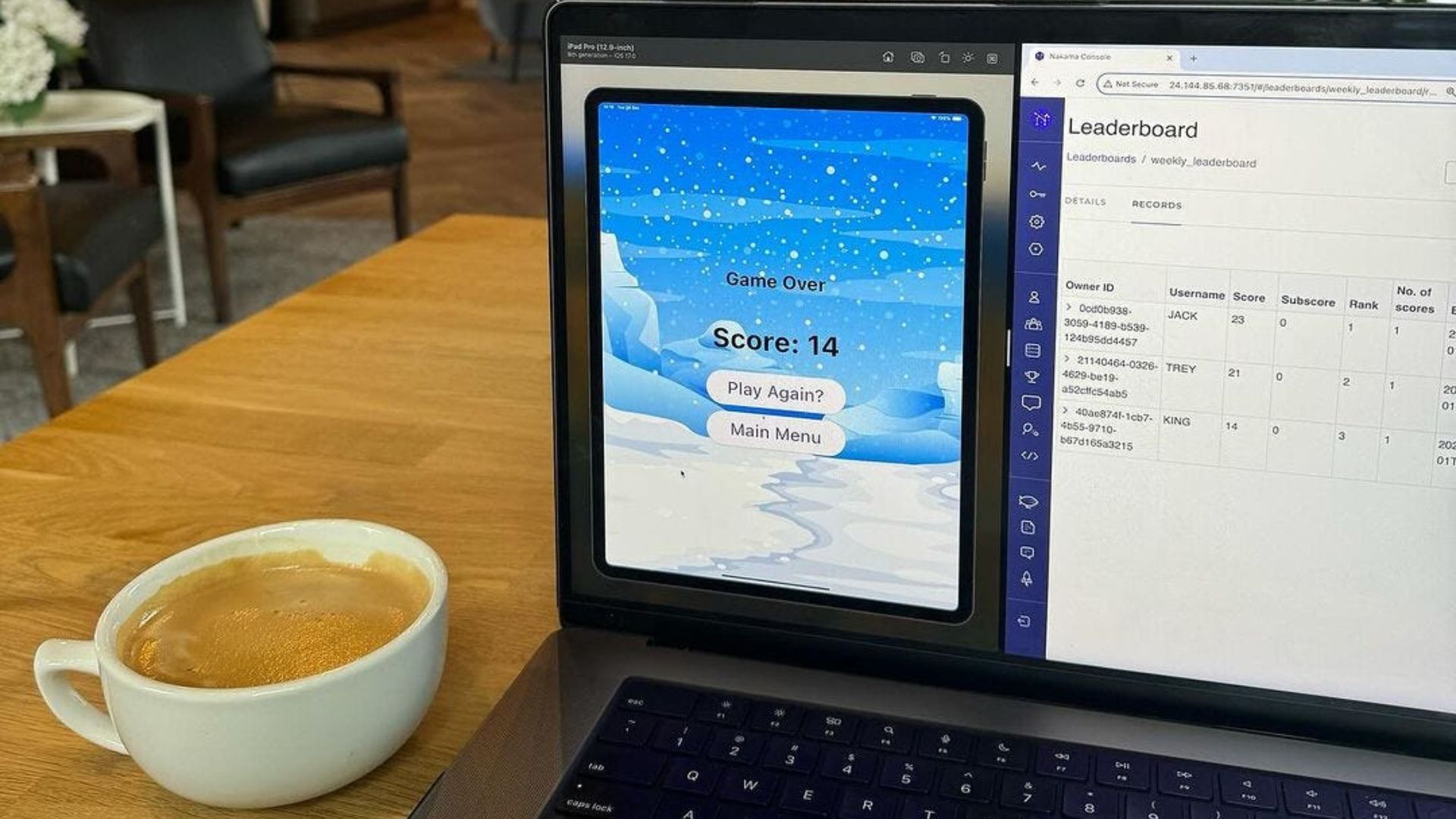
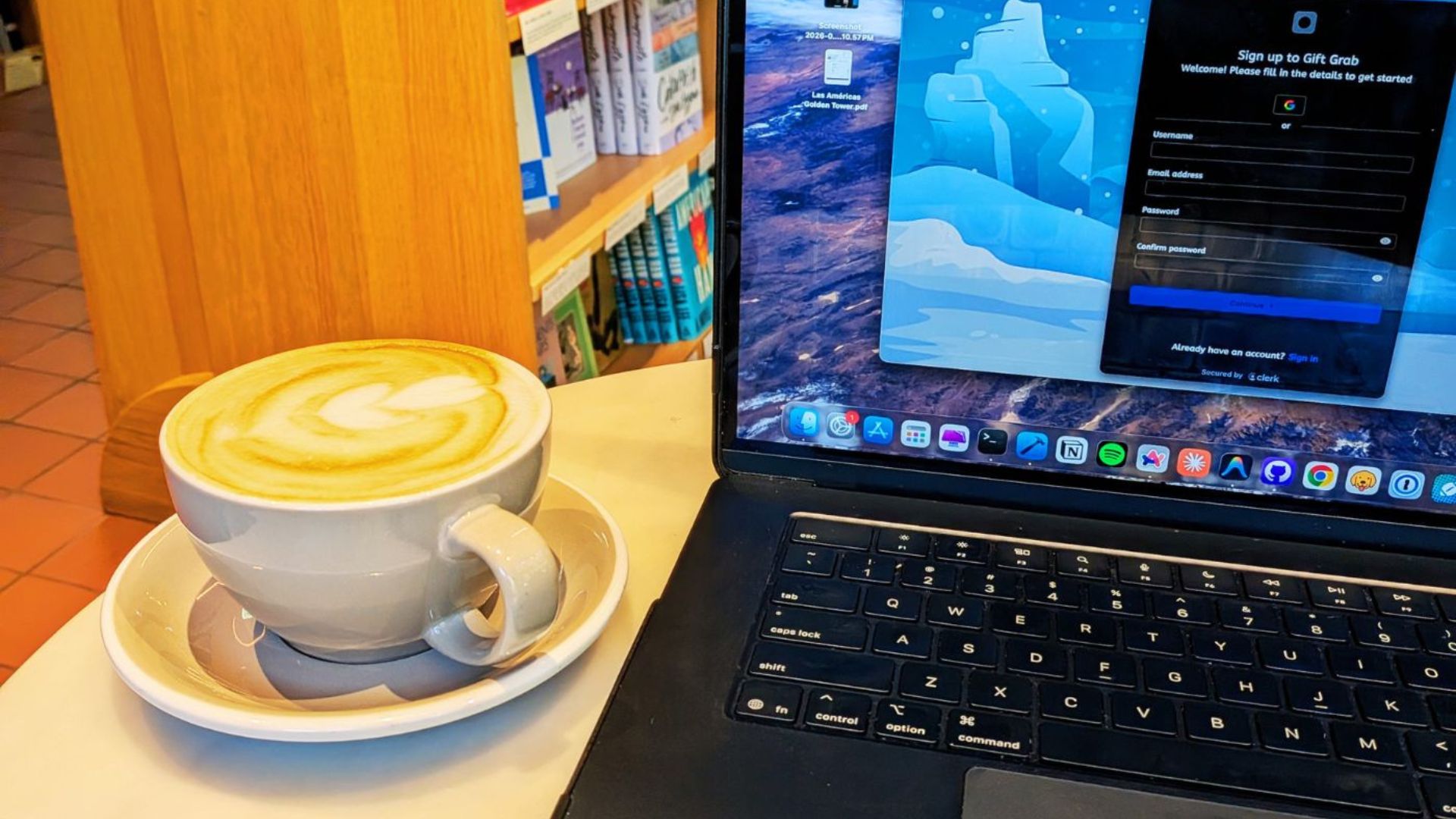
Earlier this year, my app was rejected by iOS for not meeting Guideline 4.4 — Design — Extensions, or “not being complex enough”. So, I added a leaderboard feature and user authentication.

Now, the app has been rejected for Guideline 4.3 — Design, with the reason being “your app is too similar to another app”.

This is my first encounter with this error, so it may not be as serious as it seems.

Hopefully, they will accept my response and approve the app. If not, I might have to go through a whole new process of making the app more “unique”.
What project are you currently focused on? Drop a comment and let me know please.